


To set up your LTI configuration with your LMS, you will need to access your LTI Configuration settings panel.
You can access this directly through the admin settings from the organization home (the settings cog button).

Select LTI Configuration.
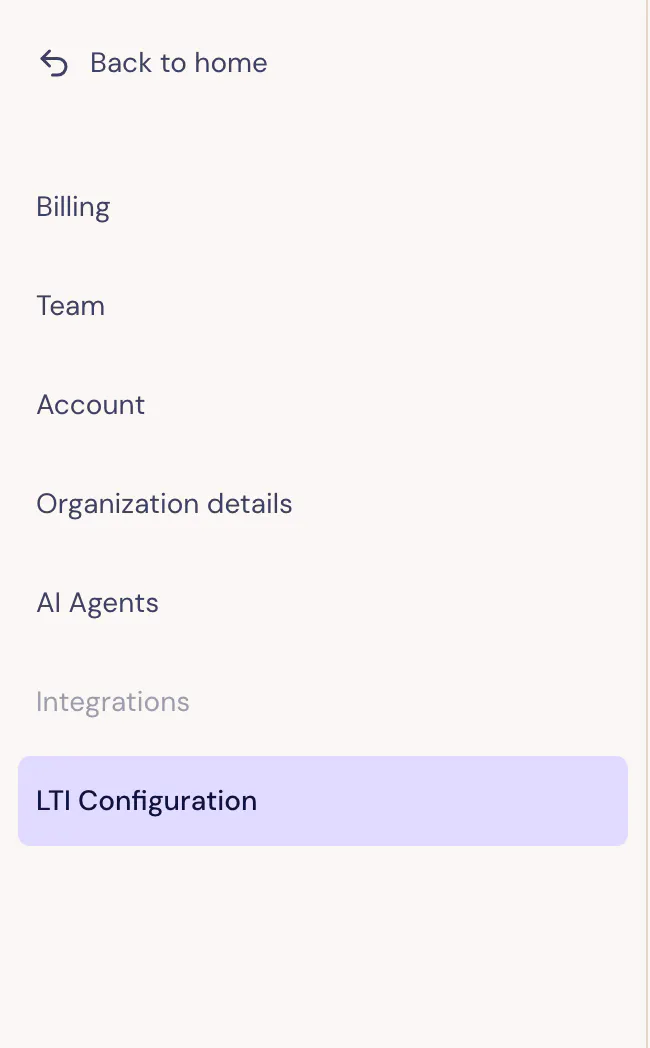
You can access the fields you need on your LTI Configuration page in the Admin menu:
https://lazuli.design/orgs/{your-org-id}/settings/lti
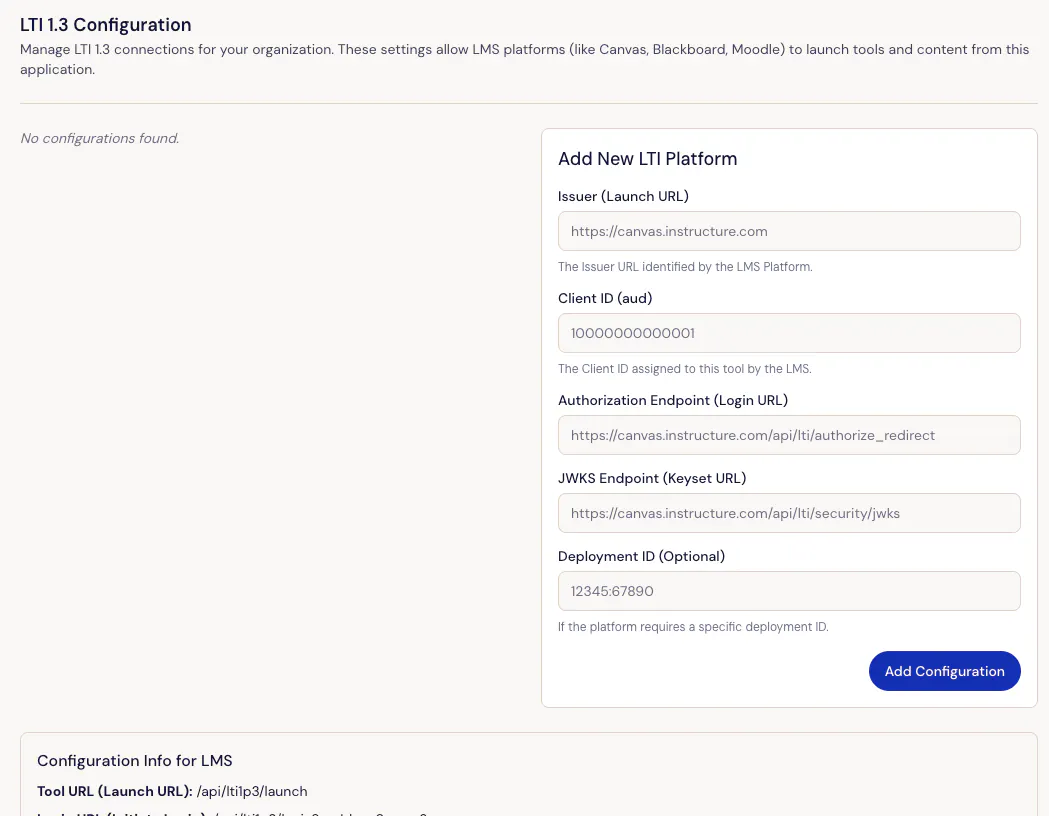
Note: You will only be able to access admin settings if you are designated as your organization administrator in Lazuli.